 Seed Up Gate
Help in the game
When the player cannot proceed with a step, help is available inside the game. The next step can be found without consulting any other source.
Help inside the game
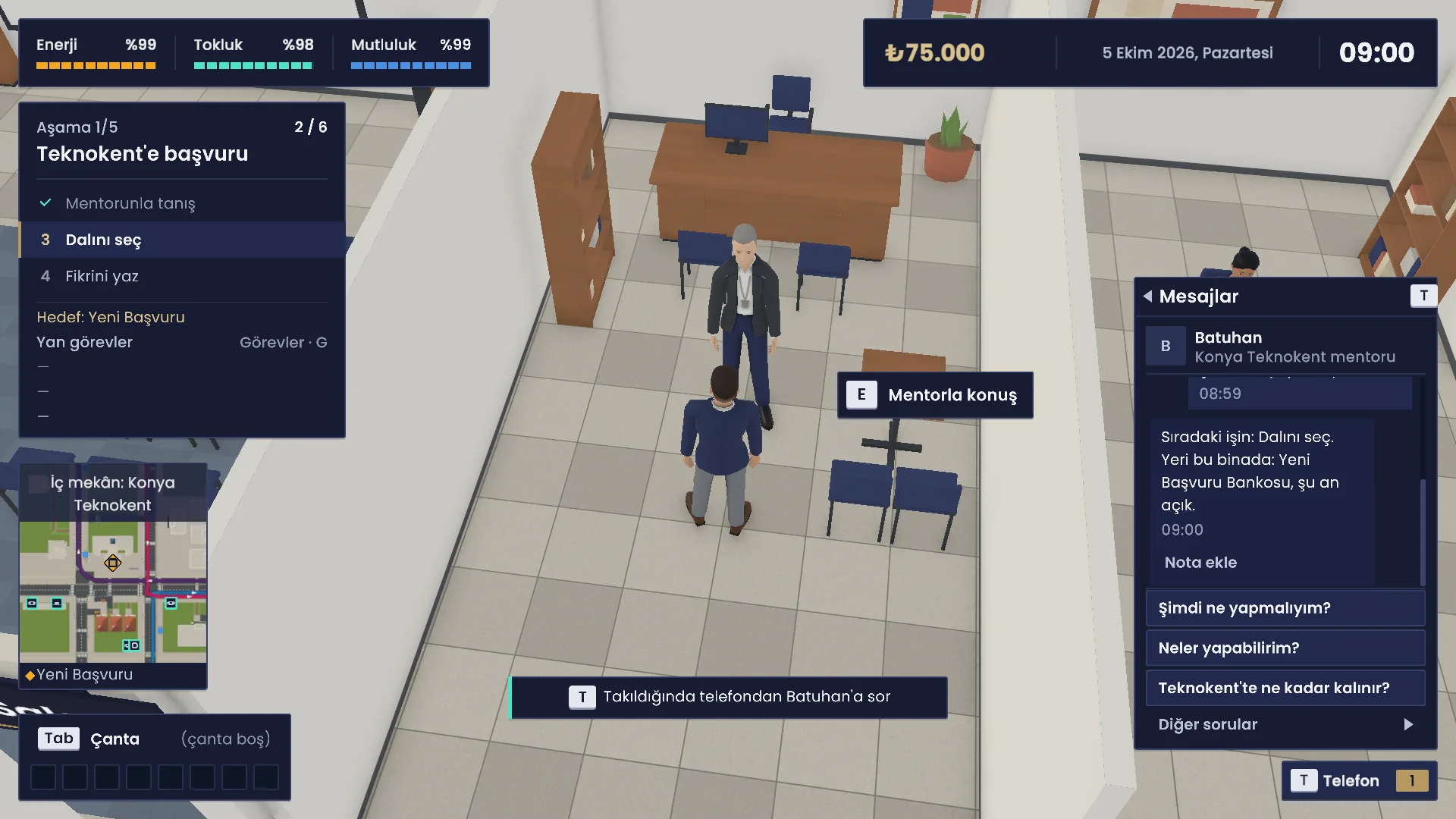
Task panel. It is located at the top left of the screen and shows the next step. The G key opens the full list of tasks.
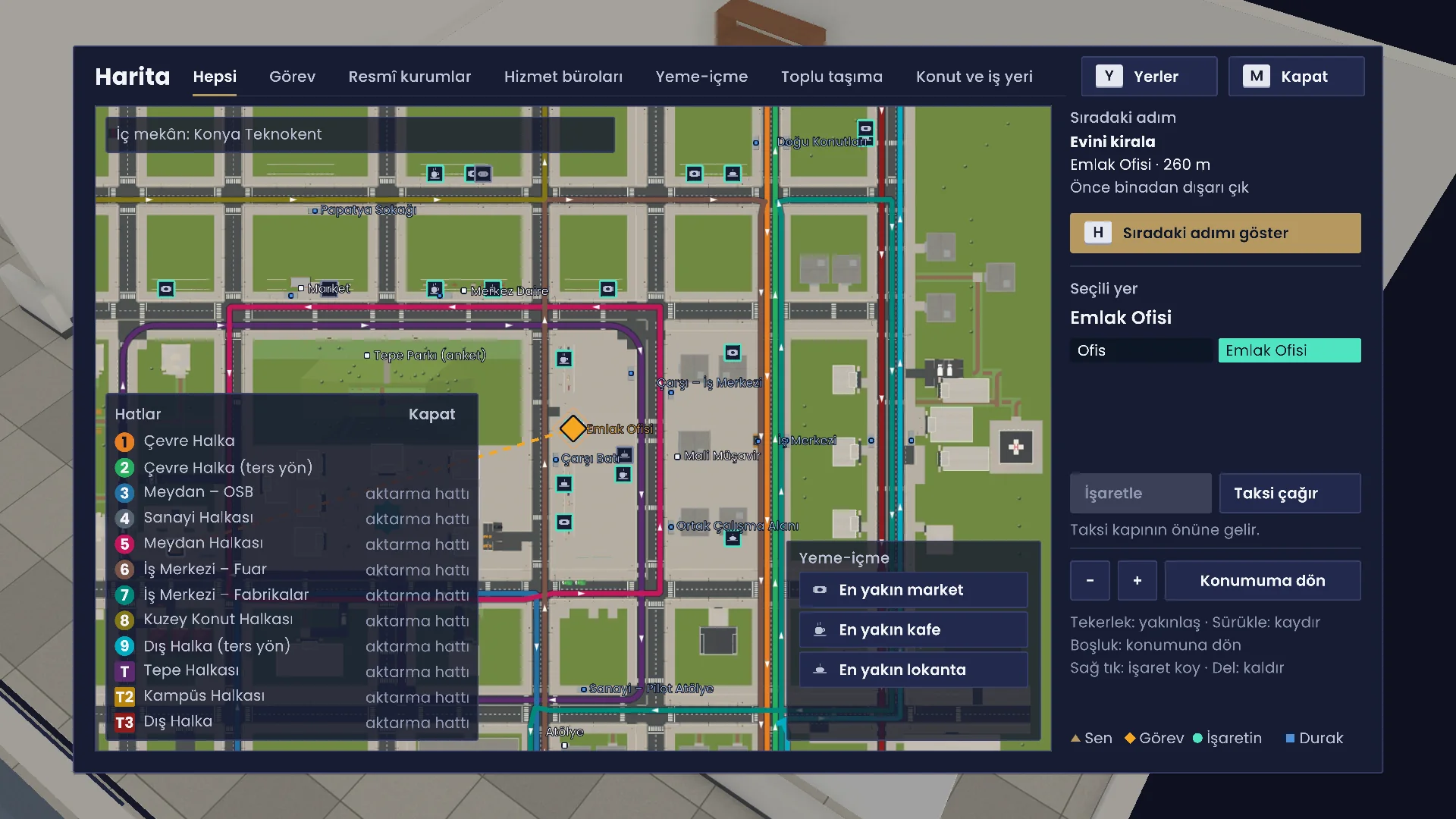
Map. The M key opens the map. When H is pressed, the map marks the location of the next step.
Mentor. The player can message the mentor, Batuhan, from the phone in the game. One of the ready-made questions is “Şimdi ne yapmalıyım?” (What should I do now?).
Glossary and information cards. New terms are explained in the Startup Glossary on the phone and on information cards. The source of the information is stated at the bottom of each card.
Guides on this site
- The five stages of the game: How the game is played
- Reading the pre-assessment report (karne): How the report is read
- Installation and activation: Early Access
- Problems during installation or in the game: Bug reports and support
- Questions: Frequently asked questions
Institution Setup Guide
The guide to installing the game across school and institution computers is included in the installation package. Use in schools and institutions is described on the Schools page.